

Create an Account
You can start Shot Insights with email, Apple, Google, or as a guest. If you want your data backed up and easy to recover across devices, create a full account from the beginning.
Guest mode is useful when you want to look around first, but you should convert it later if you want to keep your work long term.
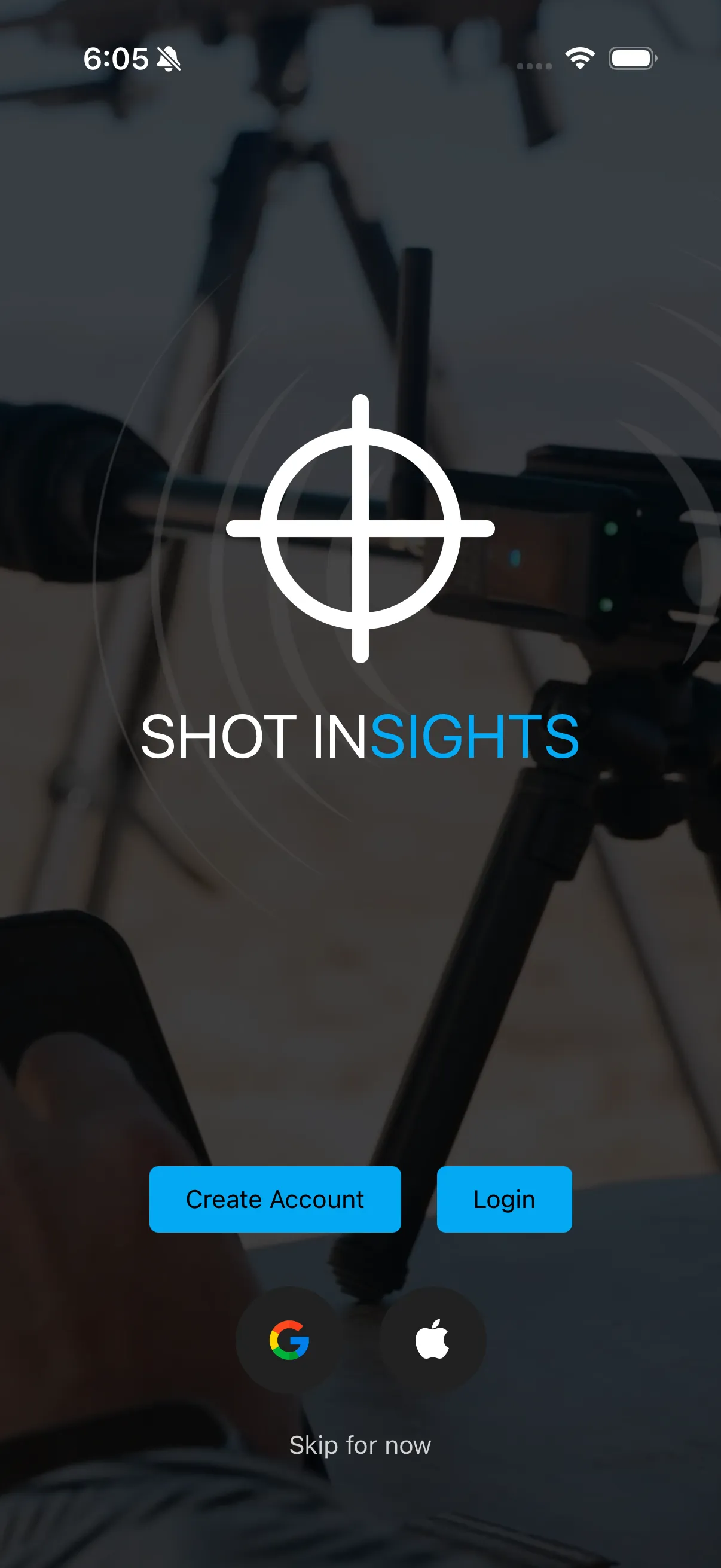
Choose the sign-in method that fits you
Section titled “Choose the sign-in method that fits you”- Email if you want a dedicated Shot Insights login
- Apple or Google if you prefer a faster sign-in flow
- Skip for now if you want to explore first and save the account step for later — this is a text link rather than a sign-in button, and it asks you to confirm (“Continue as Guest?”) before it lets you continue without an account
Recommended path
Section titled “Recommended path”- Open Shot Insights.
- Pick email, Apple, Google, or tap Skip for now to continue as a guest.
- If you tapped Skip for now, confirm you want to continue as a guest, then complete the prompts on screen.
- Continue to App permissions.
When guest mode makes sense
Section titled “When guest mode makes sense”Guest mode is fine for a quick evaluation, but it is best treated as temporary. As soon as you decide to keep using the app, follow Convert a guest profile into an account so your profiles and session history stay tied to a login you can recover later.
If you get stuck
Section titled “If you get stuck”- Forgot your password later? Use Reset your password.
- Need to update or remove account data? See Account and data.
Help improve these docs
With your permission, we use Google Analytics cookies to understand which guides are useful. Analytics is optional. You can change your choice in Analytics preferences at any time. Privacy policy