

Ballistics
A ballistic profile is the setup Shot Insights uses to calculate a firing solution for your rifle, load, and zero. Once you have a profile, you can use it across features like QuickSight, QuickShot, Range Cards, Long Range, and Sessions.
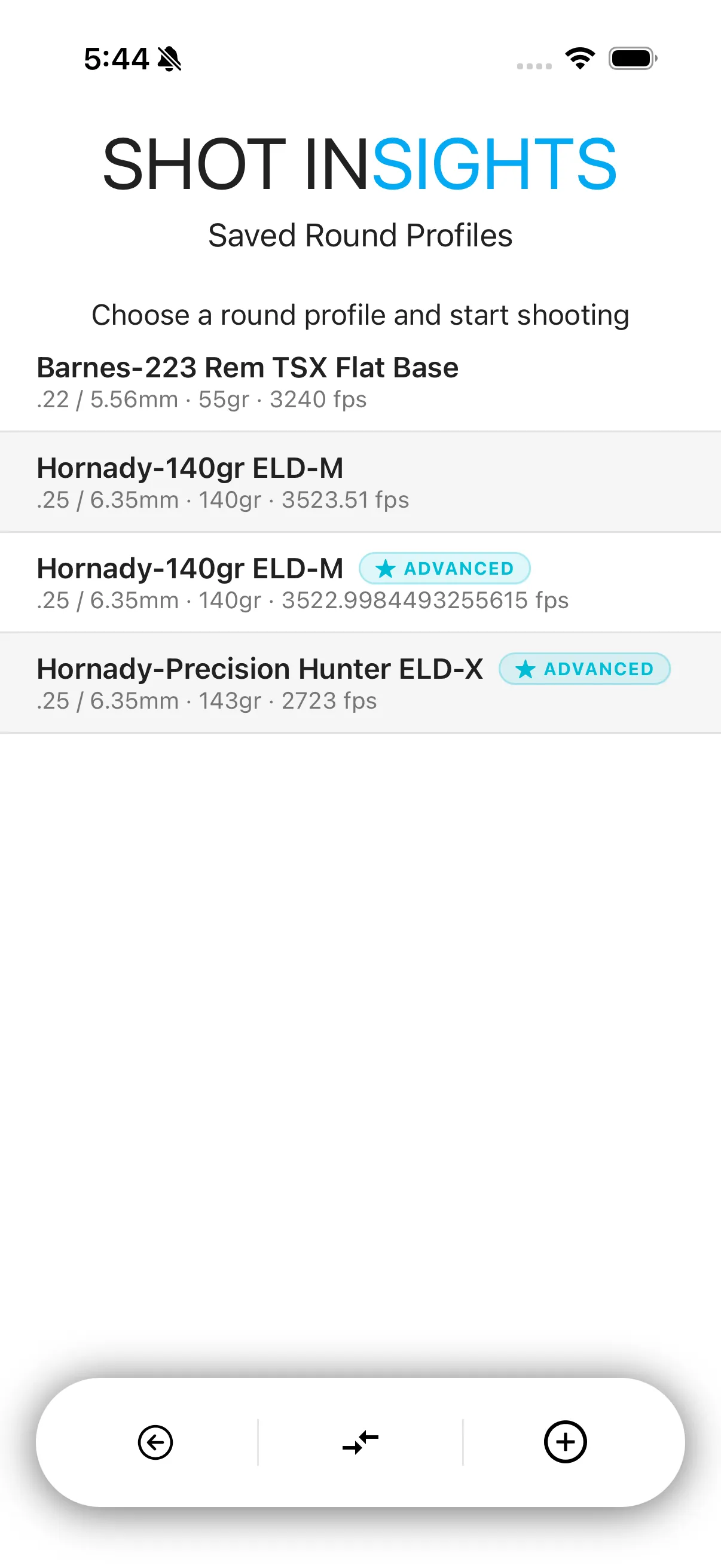
Three ways to create a profile
Section titled “Three ways to create a profile”- Start with the Bullet Library when you want the fastest setup. You can also browse the Bullet Library on its own as a reference before you commit to a profile.
- Use Simple Profile when you already know your basic load data and want a quick manual entry.
- Use Advanced Profile when you want more control over details like drag model, twist rate, and bullet length.
What goes into a profile
Section titled “What goes into a profile”- Your cartridge and bullet
- Muzzle velocity
- Zero range
- Reticle units
- Current environment or connected weather data
After you create a profile
Section titled “After you create a profile”- Open it and confirm your zero range, muzzle velocity, and reticle units — see Zeroing and Muzzle Velocity for how those two fields work together.
- Add weather on the profile or pull it in from Sensors and Integrations.
- Review Ballistic Charts, compare profiles, or true the profile after real-world shooting data.
Managing profiles
Section titled “Managing profiles”Once you have profiles saved, Manage Profiles covers renaming, organizing, and removing them. Moving profiles between devices or backing them up is covered on the Import and Export page, which is coming in a future release.
Next steps
Section titled “Next steps”- Learn the fastest path in Create from Bullet Library.
- Review weather inputs in Environment and Atmosphere.
- See how to refine a confirmed profile in Truing.
Help improve these docs
With your permission, we use Google Analytics cookies to understand which guides are useful. Analytics is optional. You can change your choice in Analytics preferences at any time. Privacy policy